One app. Every person. Every occasion.
Marked remembers the birthdays, anniversaries and holidays that matter, and helps you show up with the right gift every time.
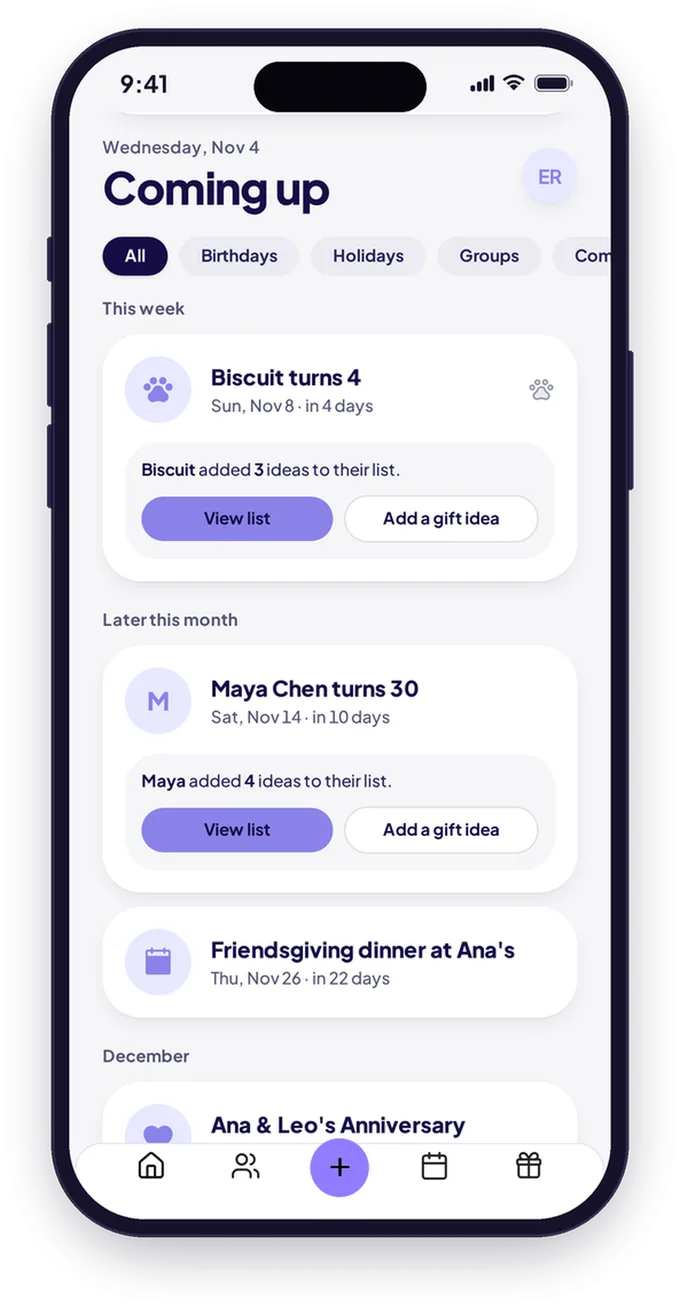
What is Marked?
Marked is an app that keeps the people you love and their big days in one place. Add birthdays and anniversaries for people and pets, save gift ideas and wishlists, see US holidays on your calendar, and run a Secret Santa for 2 to 50 people.
Everything you need to show up for your people
One place for the dates, the ideas and the gift exchange.
Remember every date.
Add the people (and pets) you love, plus their birthdays and anniversaries. Marked reminds you in the app ahead of time.
A calendar that knows your holidays.
US holidays, built right in.
Gift ideas, saved for later.
Jot down gift ideas on each person's profile the moment inspiration hits.
My Lists.
Keep your wishlist in your Secret Santa room, so your match knows exactly what to get.
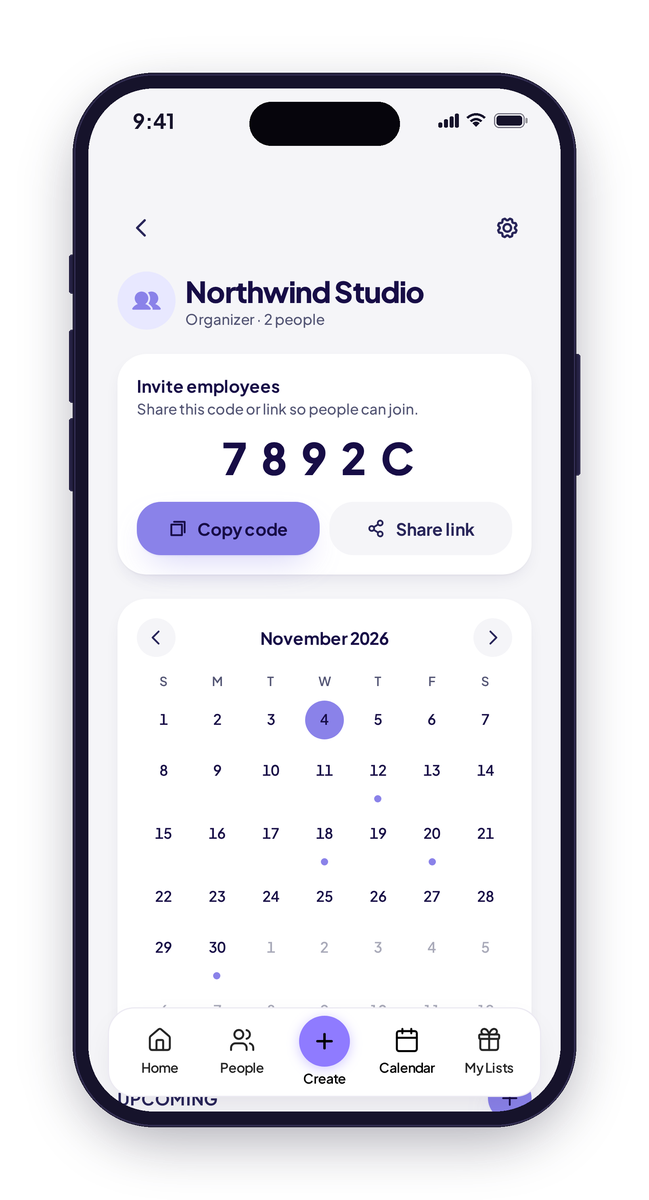
Company calendars.
Organizers add company events, team birthdays and work anniversaries, and members see them on one calendar.
Secret Santa.
Run a gift exchange for 2 to 50 people, with wishlists and an optional location in one place.
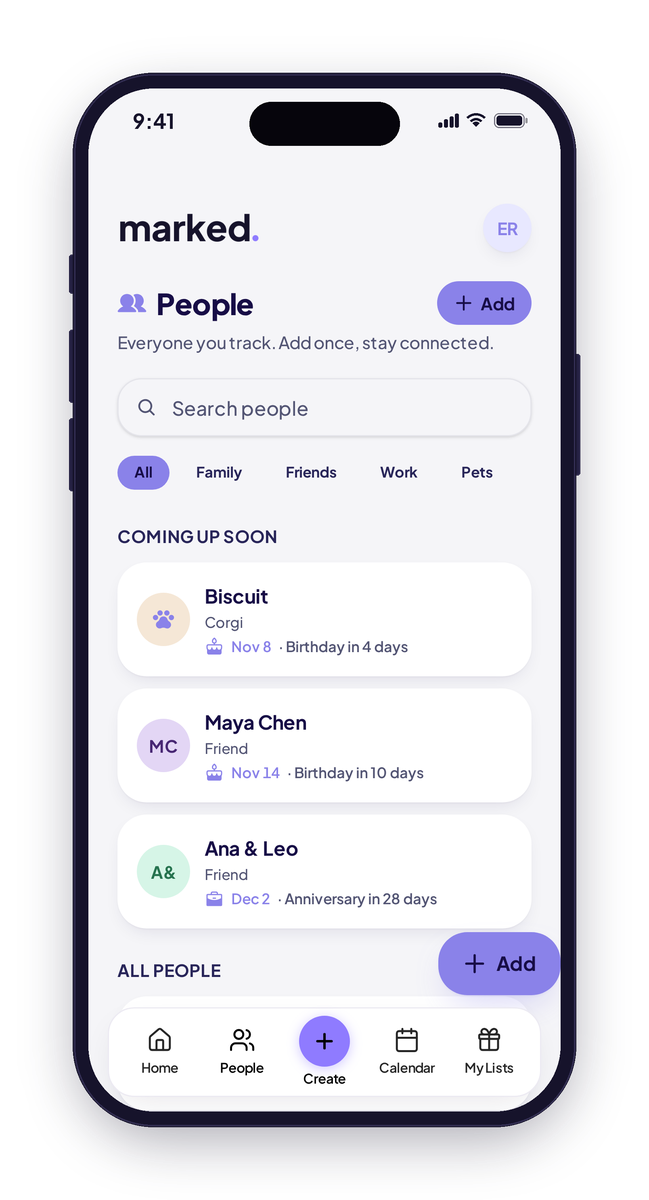
Your people.
Family, friends and pets, with every birthday counted down.
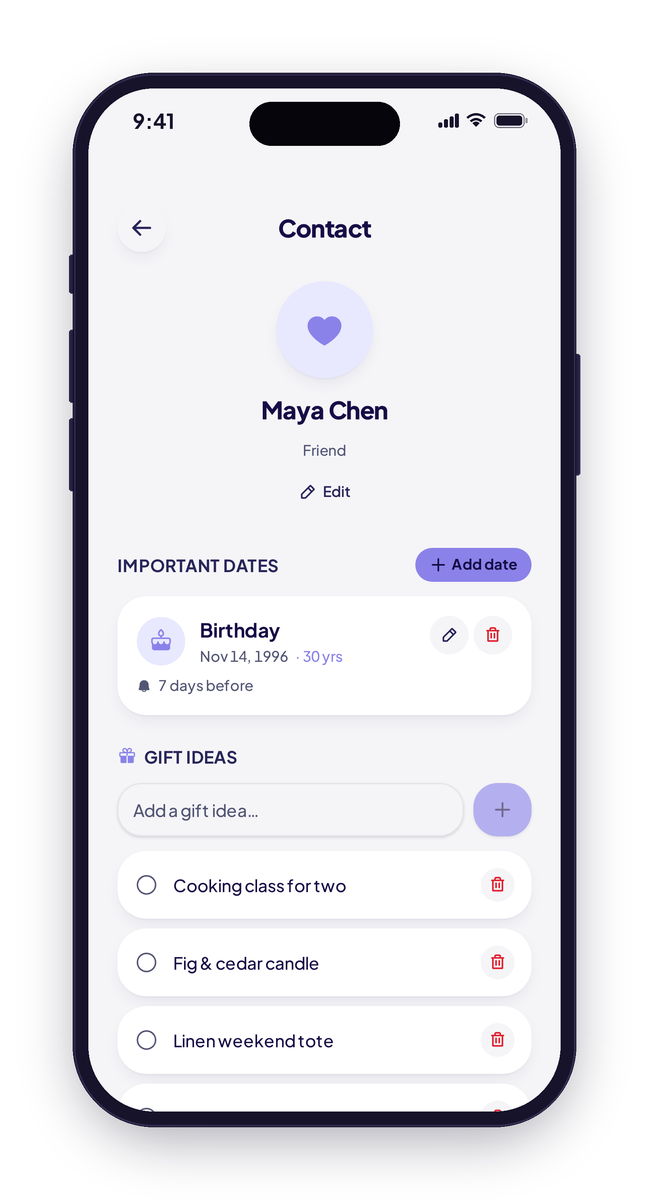
A profile for everyone.
Birthdays, reminders and gift ideas saved on each profile.
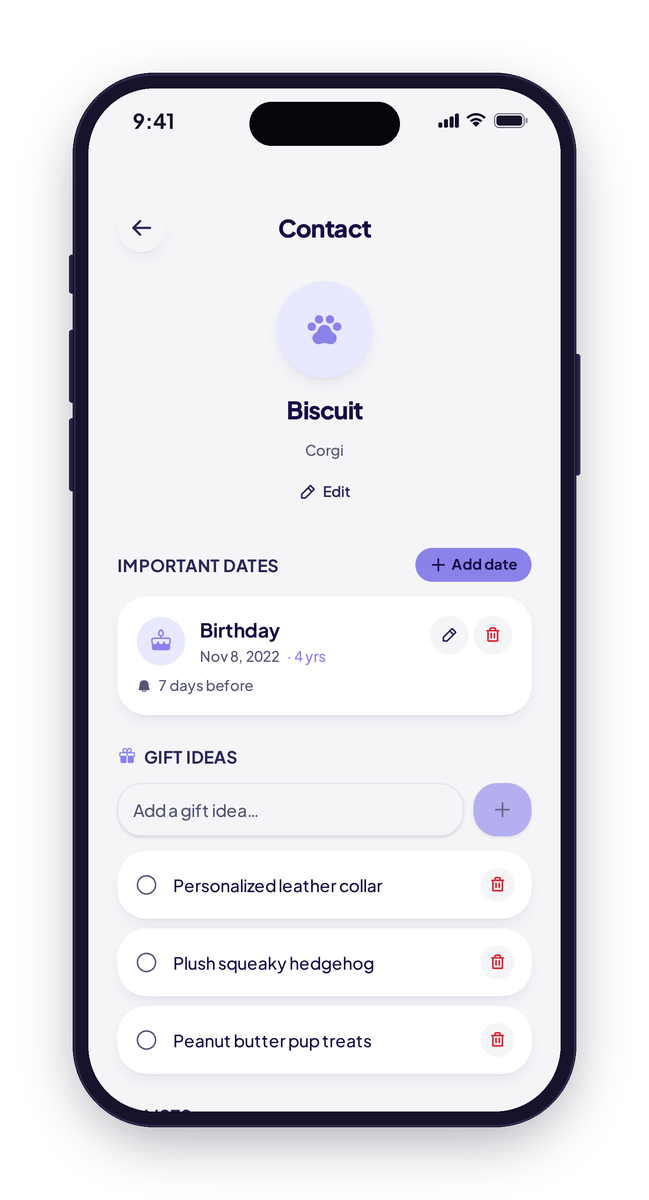
Pets too.
Pets get birthdays and profiles of their own.
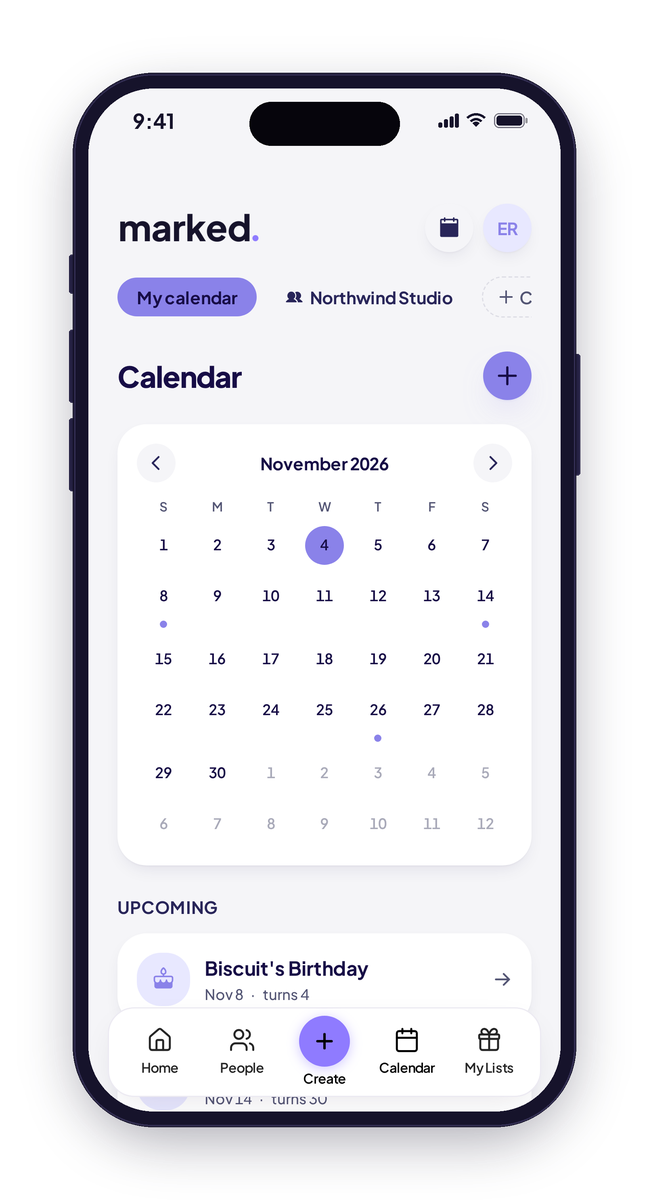
One calendar.
Birthdays, anniversaries and holidays on the same calendar.
Marked app screen(s) with sample data.
How Secret Santa works
A gift exchange for 2 to 50 people, from invite to unwrapping.
Create a room.
Give your exchange a name.
Invite everyone.
Share a 5-character join code or an invite link. 2 to 50 people.
Add wishlists.
So no one's guessing, and a host can add an optional location.
Draw names.
Marked draws names and shows each person only their own match.
Give something great.
Shop from your match's wishlist.
Everyone joins with a Marked account.
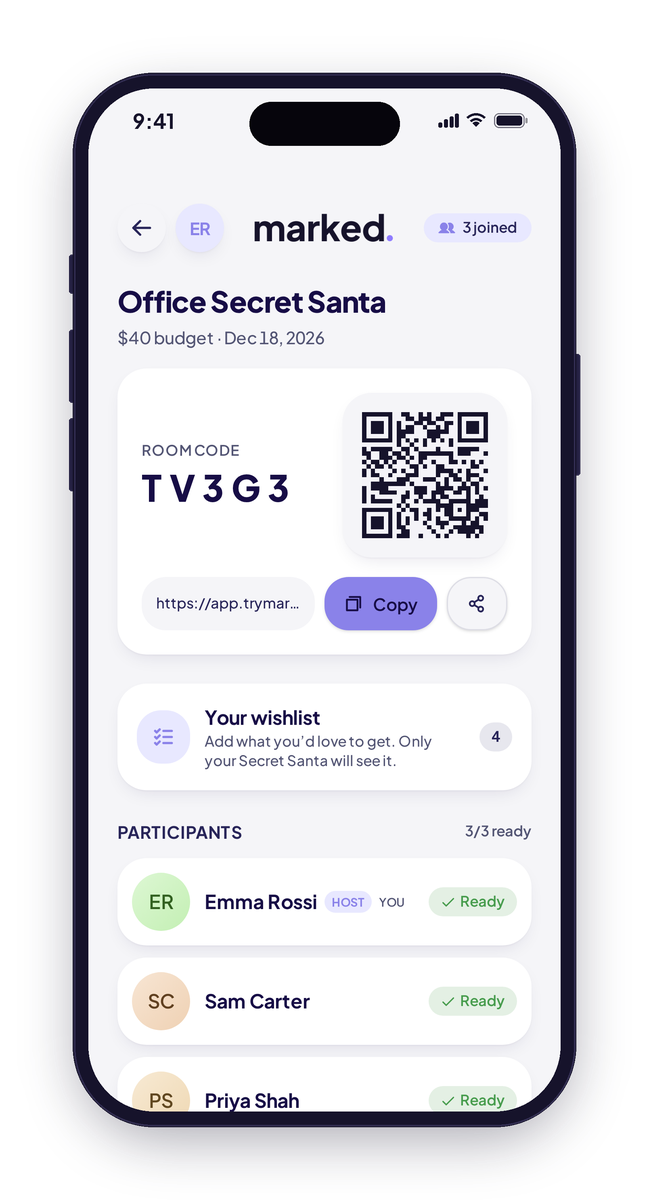
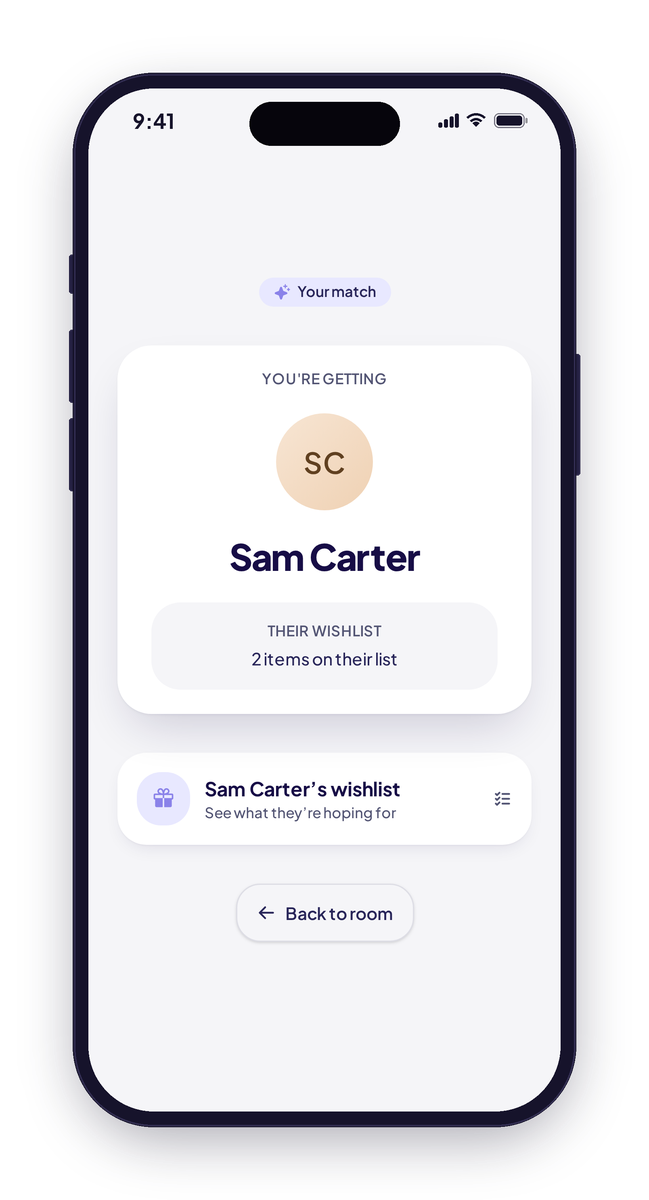
Celebrate your team, without the spreadsheet.
Organizers create a company calendar and invite employees with a code. Everyone sees company events, team birthdays and work anniversaries. Birth years can be hidden, and employees have view-only access.
- Invite by code
- View-only for employees
- Birth years can be hidden
- Birthdays and work anniversaries
Questions, answered
When will the iPhone and Android apps be available?
Do I need an account to use Marked?
How many people can join a Secret Santa?
Can I add pets?
Which holidays are included?
How do company calendars work?
Is my information private?
How do I delete my account?
Every person. Every occasion. Marked.
Start remembering what matters.